pages

Wednesday, March 30, 2011

vCO - from infrastructure to the cloud (Cisco USC Plug-in)

As mentioned in many other blog articles in the past, the development of the vCenter Orchestrator Plug-ins goes straight ahead. A few weeks after the vCloud Plug-in the Cisco UCS Plug-in was released yesterday! This Plug-in shows how many ways there are to design automation and orchestration solutions. In my opinion there are two main strategies to implement a vCO in customer environments:
  • as leading system for automation design and implementation
  • as subordinate system with high integration possibilities
With this in mind there are two other important things to know: the infrastructure and the cloud automation. In every VMware cloud there is also the need to establish an basic vSphere infrastructure (infrastructire as a service) which abstracts the physical resources. So if you have a physical infrastructure you can know design the complete automation from hardware delivery up to cloud integration (application as a service).

Don´t get me wrong, you can integrate your ESX/ESXi host-systems in an automated way also without the Cisco USC Plug-in but if you have Cisco hardware the deployment is much more comfortable because of using the UCS API. Here are some examples from the release notes:

  • Application of a service profile to a UCS blade
  • Cloning a service profile template to a service profile
  • Service profile customization of frequently modified components
  • Import and export of service profiles from and to UCS Manager instances

As you can see the service definition is also available for the cloud infrastructure and allows you to definine service levels and tiers in an automated way.

Based on the HTTP POST method the integration of Cisco UCS Manager looks like:


With this method the Cisco UCS Manager XML API maps the objects with their attributes and functions in the vCenter Orchestrator.

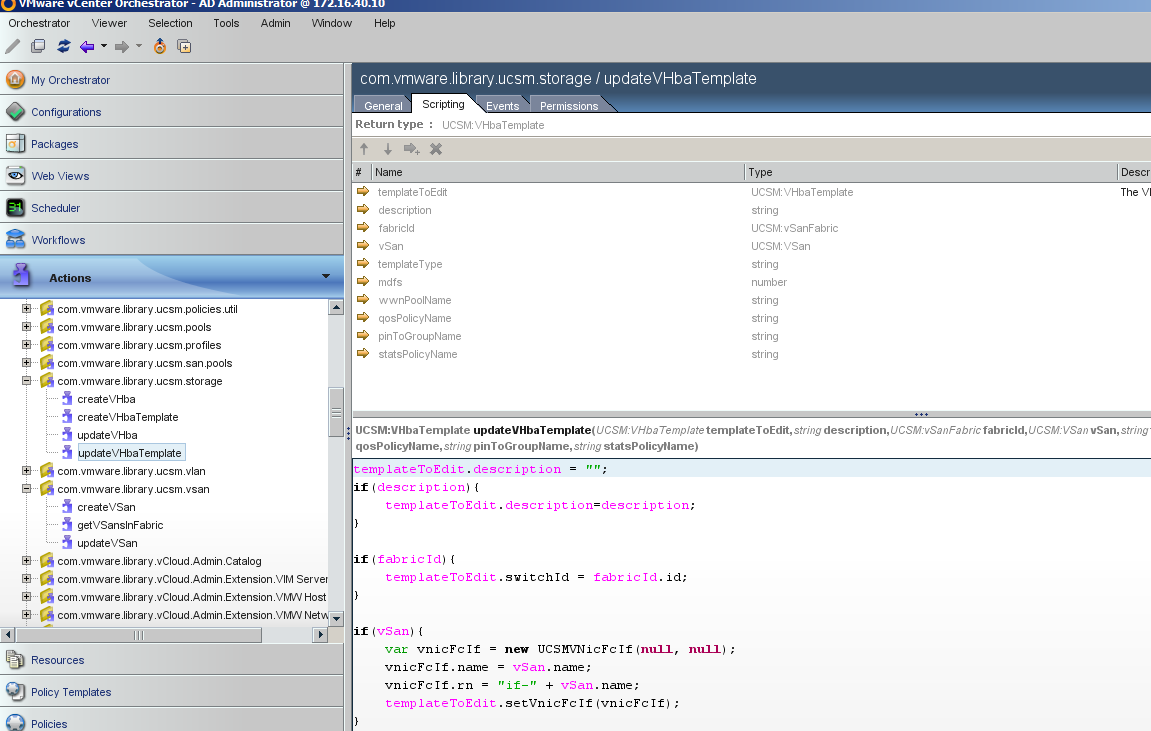
In the Plug-in packages are also several example workflows and actions to automate an existing environment in a fast and comfortable way.


I hope that we now can address a wider audience to automate and orchestrate their cloud infrastructure.

Download Cisco UCS Plug-in: VMware vCenter Orchestrator Plug-in for Cisco UCS 1.0
Release Notes: VMware vCenter Orchestrator Plug-In for Cisco UCS Manager 1.0 Release Notes

Monday, March 28, 2011

vCO - set Jumbo Frames (MTU) for VMkernel

Last week I spoke to some fellows here at VMware and think about a solution to automate the MTU size for a dvPort/PortGroup with vCO automation. In the past there was no automated way than the excellent solution by Scott Lowe. Based on these findings i try to build this in vCO, knowing that the vSphere Client does not support this directly.

At first i had to identify the Port which serves the vmkernel and a few input parameters:


At first I need the host (in my case as string because this is used for an external excitation via SOAP), the name of the dvSwitch, the new IP address of the vmkernel interface and the new subnet mask. So i set the host (VcPlugin.getAllHostSystems) and use the getAllDvSwitches workflow from one of my last publications.


After that I set the dvSwitch based on the input parameter (dvSwitch) and searching for the right port. The main procedure to identify the right port is: if(Ports[h].connectee.type == "hostVmkVnic") cause this compares to the vmkernel NIC.


At this point I know everything to change the MTU of the vmkernel Port, but... the API shows an cruel description:


So as mentioned when reading the article there is no direct API based way to set the MTU of a dvPort. In my case I solve the problem with using direct ssh commands. The drawback with this is the username/password dependence.


So after identifying the right host, the vmkernel port, the new ip address and subnet mask the ssh commands can run. As you can see I used exact the same commands as the console guys use.

So, hope this helps.

Tuesday, March 8, 2011

vCO - internal methods and authorizations

Today I had a strange problem at one of our larger customers. In fact it could be reduced to one sentence: "When starting a workflow from the GUI everything works, starting this workflow with the same user from a webservice client, all internal methods fail."

In this case internal methods mean things like:

var VMs = VcPlugin.getAllVirtualMachines();

or other actions with embedded methods. As a good Consultant I try to reduce the possibilities which can cause an error like this. At first I test the script of the customer (Perl) in my environment, with success because everything was fine. Then I review the user and his rights in the customers vCO and try my own Win32 test application (will be published soon). Every time I started Clients directly on the vCO all things going straight forward. Every time I test it from the customers PC nothing works or better the array "VMs" was empty.


The bad thing is that I can´t get any error inside the workflows. The vCenter Orchestrator always runs over the workflows and doesn´t display any error message. After several attempts I try to read out the log files in the vCenter Orchestrator. Inside the vCenter Orchestrator configuration there is a log viewer which i use for searching. After a few lines there are several ERROR entries, which look like this:

 2011-03-08 07:35:39.760+0100 ERROR [VimSession] getRootFolder() --> java.lang.Exception: getServiceContent() [vcouser@https://vCenterServerIP/sdk/Main#498028b0] --> Invalid login

I didn´t know that there was a difference between the networks (AD policy) because the user was created in the campus network. Testing it with my Win32 client directly on the vCenter Orchestrator with the same user was successful.

After we changed the rights for the user (AD group) everything works fine and all arrays were filled.

So if you see that internal actions or methods doesn´t work from your webclient, there could be an authorization problem :-)

Sunday, March 6, 2011

NEWS - time to change

Now it is official! Andreas and I joined the VMware PSO team this week. We decide to use mighty-virtualization further as it is known in the past: as virtualization and and automation blog. Between that we'll write at www.vcoteam.info, one of the best blogs for the vCenter Orchestrator automation tool.

Especially the newest vCO plugin for vCloud Director shows up that vCenter Orchestrator allows you to use infrastructure and cloud automation in future. In my opinion vCO is the best automation and orchestration tool for virtual environments on the market and we signed our flags to show you why ;-)

So please stay tuned, there are great things to come!

Thursday, February 3, 2011

vCO - use and examples of RegExp (regular expression)

Regular Expressions are a powerful tool to work with strings and - like awk - a little bit cryptic (for me). So I start to write down some use case and examples I need in vCO for searching or as an input filter, e.g. in vCO WebView.

Links I've used:
Attention: vCO does not use RegExp in format /..../, "/" must be omitted!

Example 1: IP-address format

to restrict a mandatory input only to x.x.x.x up to xxx.xxx.xxx.xxx where x is numeric (0-9) use this RegExp (does not catch range errors, only format will be checked):


How is this build up? IP address is build by 4 groups of pattern, first three with same logic.

First three groups - 1 up to 255 always followed by a dot

A counted repetition is build by {} e.g. {3} = exact 3 times, {1,3} = min. 1 max. 3 times.
So x up to xxx is written as [0-9] <-- represents one character as a digit from 0 to 9, followed by {1,3} <-- repeat this 1 up to 3 times --> [0-9]{1,3}. The dot is a control char and mast be escaped by \. So a complete group is describes as [0-9]{1,3}\.
This group occurs exactly 3 times, so we group this expression by () and repeat it {}

([0-9]{1,3}\.){3}

Last group - 1 up to 255
same as above [0-9]{1,3}. Now combine all groups and you have a RegExp for IP-address format.

([0-9]{1,3}\.){3}[0-9]{1,3}

Example 2: String.search(RegExp)

To search a special character combination String.index ist most used. But if you searching e.g. for VMs containing _TMPL and you want to find also _tmpl and all other combinations, you have to use "ucase" and then .index.
Or you can catch this in one RegExp (VMs is Array/VirtualMachine):

for (i in VMs)
{
  if (VMs[i].name.search("_[tT][mM][pP][lL]") >= 0)
  {
    //do something
  }
}

If the pattern should only be valid at the end of string, add $ to group --> (_[tT][mM][pP][lL])$

Example 3:
match pattern for naming conventions e.g. datastore names

Another often use case is filtering datastores by name.
Assuming a company's naming convention is <CLUSTERNAME>-<TIER><LUN> where clustername has no defined length, tier is F, S, L and LUN 001 to 255. Additional Test LUNs having a suffix and should not match the search. Examples for datastore names:
  • Cluster17-L-123
  • DevCluster02-S-043
  • DevCluster01-L-155_MyTest
If you want find a valid datastore name  in tier class L or M, omitting test datastores you have to define a set of .index clauses or one RegExp:

"(-[LM]-[0-9]{3})$"

This will find all combinations of -L-xxx and -M-xxx only if they are at the end of string.


If you have use case to be solved or other questions, feel free to leave as comment.

Regards, Andreas


Thursday, January 27, 2011

vCO - get all Distributed Virtual Switches

Yesterday i try to get all dvSwitches of a vCenter environment into an array. After several hours of searching and trying there is no easy way in my opinion. So i think this little workaround could help:

var dvPG = VcPlugin.getAllDistributedVirtualPortgroups();
var DVS = new Array(); 

for(i in dvPG){
   DVS.push(dvPG[i].config.distributedVirtualSwitch);
   DVS.sort();
   System.log("DVS vor Schleife: " + DVS);

   for ( i = 0; i < DVS.length; i++)
      {
      if(i != 0){
      while (DVS[i] == DVS[i-1])
      DVS.splice(i,1);
      }
   }
}

If you have other ways please feel free to publish them as a comment. Please note that you need at least one dvPortGroup!

Friday, January 21, 2011

vCO - Unzip Files with VMware Orchestrator workflow

To unzip files with vCO, e.g. patch bundles for ESX, there are some prerequisites.
  • vCO read / write access to source / target location (edit js-io-rights.conf)
  • min. 2 (v)CPU on vCO
  • vCO needs access to java.io.* and java.lang.Object (see post for how to)
This is a first full functional draft. There are some workarounds, because syntax / code is restricted in vCO.

Input parameters
  • ZipFileName - absolute path to ZIP file - e.g. C:/VCO/MyZip.zip
  • OutputPath - path for deflating content - e.g. C:/VCO/deflate/


Finding a solution for the used workarounds, I will update this post.

Feel free to leave comments or drop your questions.

Regards, Andreas